 MealPrep AI
Snap your fridge. Get dinner.
Take a photo of your fridge and pantry. MealPrep AI lists what’s there and writes quick recipes that use it, with little or nothing to buy.
No sign-up, no ads.
On a computer? Point your phone’s camera here to open this page on your phone.

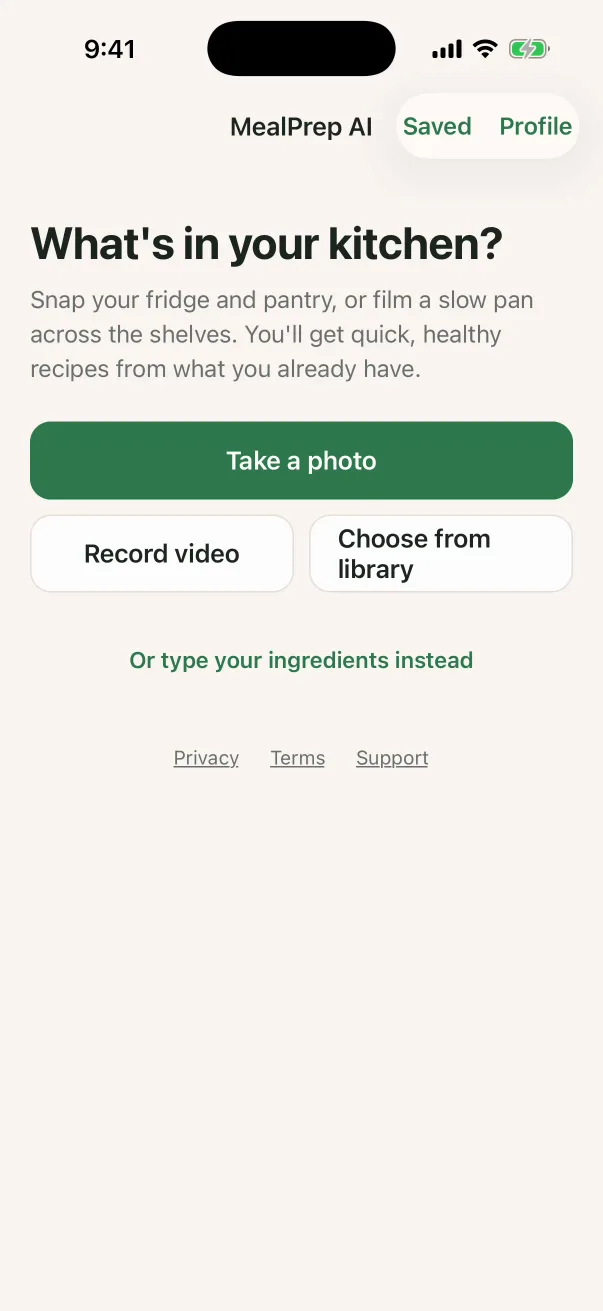
Three steps to dinner
No recipe books, no meal plans to follow, no shopping list to write. Start from what’s already on your shelves.
-
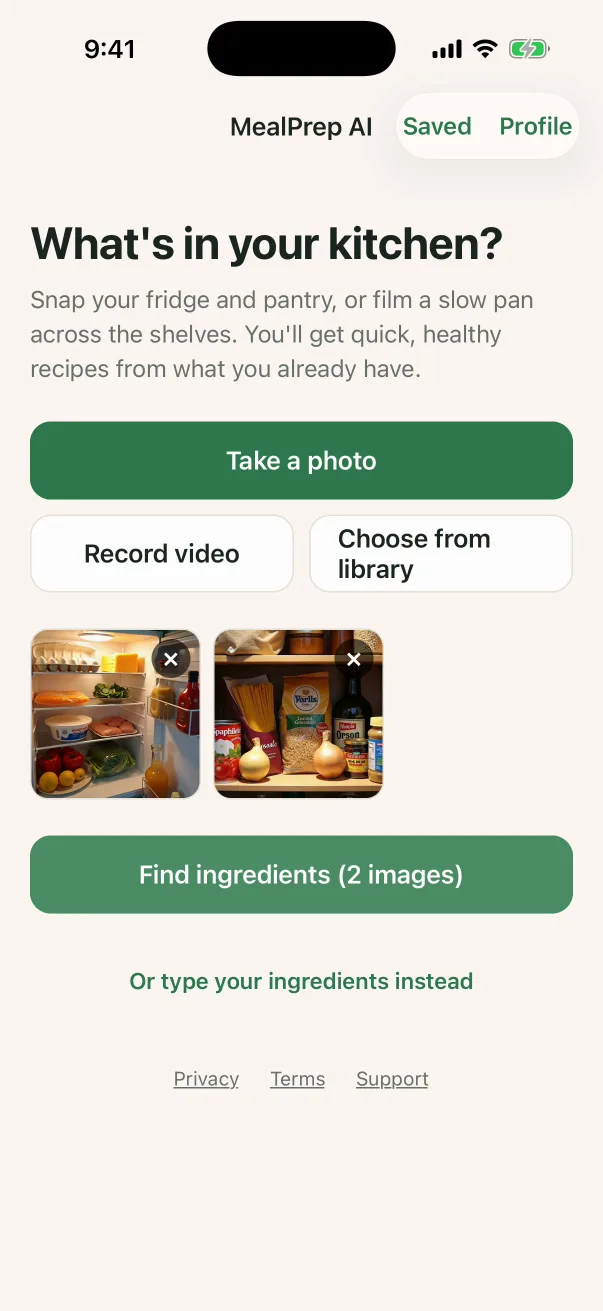
Snap your shelves
Take a photo or two, or film a slow pan across the fridge. Ingredients appear as the AI spots them.
-
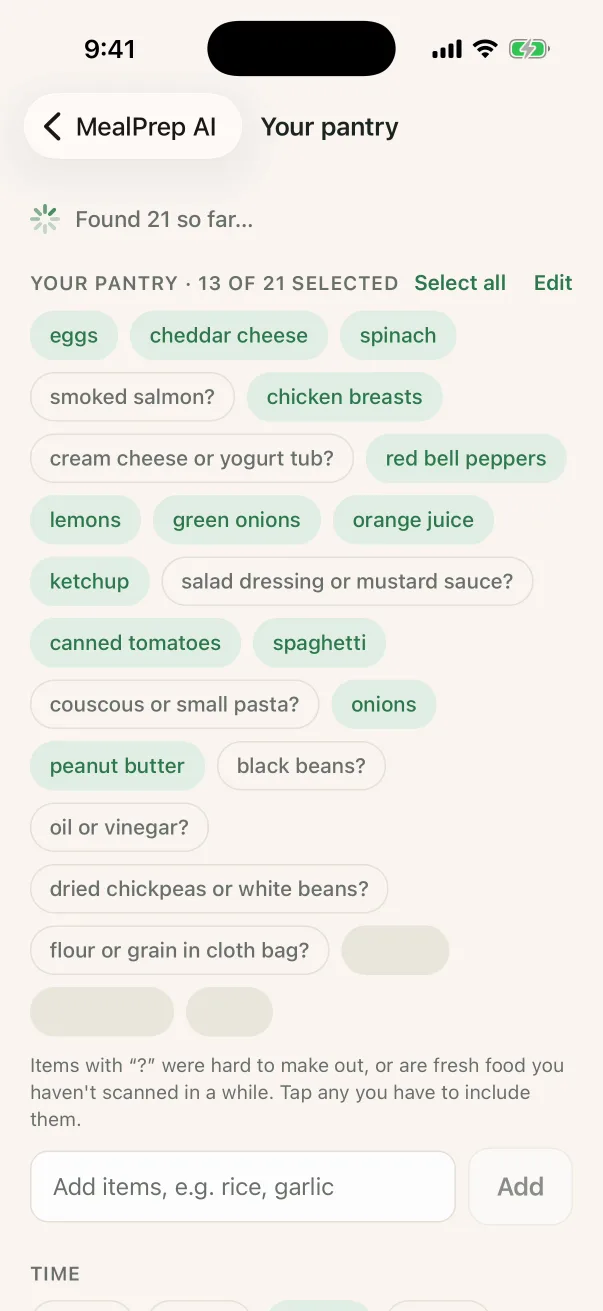
Check the list
Remove anything it got wrong and add what it missed. Then choose your time, servings, diet and foods to avoid.
-
Pick a recipe and cook
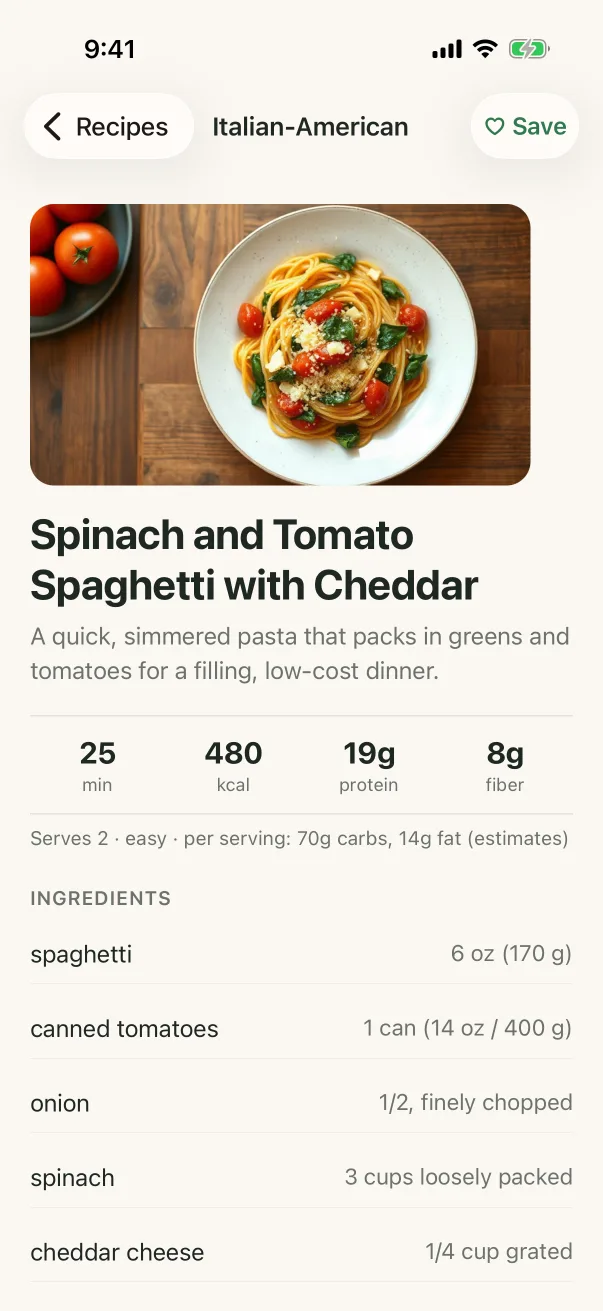
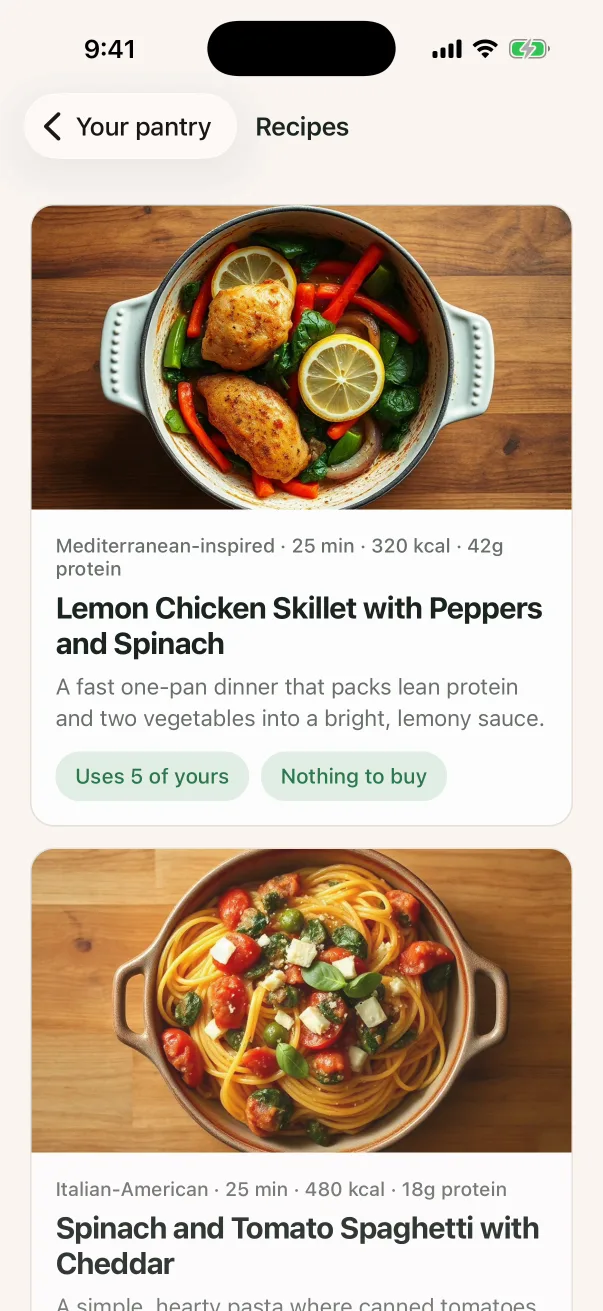
Ideas arrive one after another, each with a photo, steps and nutrition per serving.
Made for the 6 p.m. fridge stare
- Cooks what you already have
- Every recipe is built around your ingredients and tells you how many of them it uses, and what you’d need to buy. Often that’s nothing.
- Fits the night you’re having
- Pick 15 to 60 minutes, how many you’re feeding, a diet and foods to leave out, and the recipes are written to fit.
- Remembers your kitchen
- Your pantry carries over, so next time you only scan what’s new. Fresh food you haven’t seen in a while gets a question mark until you confirm it.
- Keeps the good ones
- Save the recipes you’d make again, with their photos. They’re waiting the next time you open the app.
What’s in your fridge stays your business
No sign-upThe app makes a private account for you the first time you open it.
We don’t keep your photosThey’re only used to find your ingredients and are never saved to your account.
No ads, no trackingNothing is sold or shared for advertising.
Delete it all, any timeIn Profile, Delete my account and data removes your account, pantry and saved recipes right away.
Questions
What happens to my photos?
They go to our server and to Anthropic’s Claude, which finds the ingredients. We don’t store them. Anthropic doesn’t train on them and deletes them within 30 days. The privacy policy has the details.
What if it misses something?
Add it to the list before you ask for recipes. Scans work best in good light, one shelf at a time, with labels facing the camera.
Can it work around allergies and diets?
Choose a diet and list the foods to avoid, and recipes leave them out. AI can make mistakes, so always check labels and recipes yourself before you cook.
Are the dish photos real?
They’re AI illustrations of each recipe, so you can see the idea at a glance. Yours will look different, and probably better.
Something isn’t working
Email support@mealprep.forum and tell us what you tapped. The support page answers the common questions.